iPhone Screen Flickering? Causes and Easy Fixes
iPhone Screen Flickering? Here’s How to Fix It
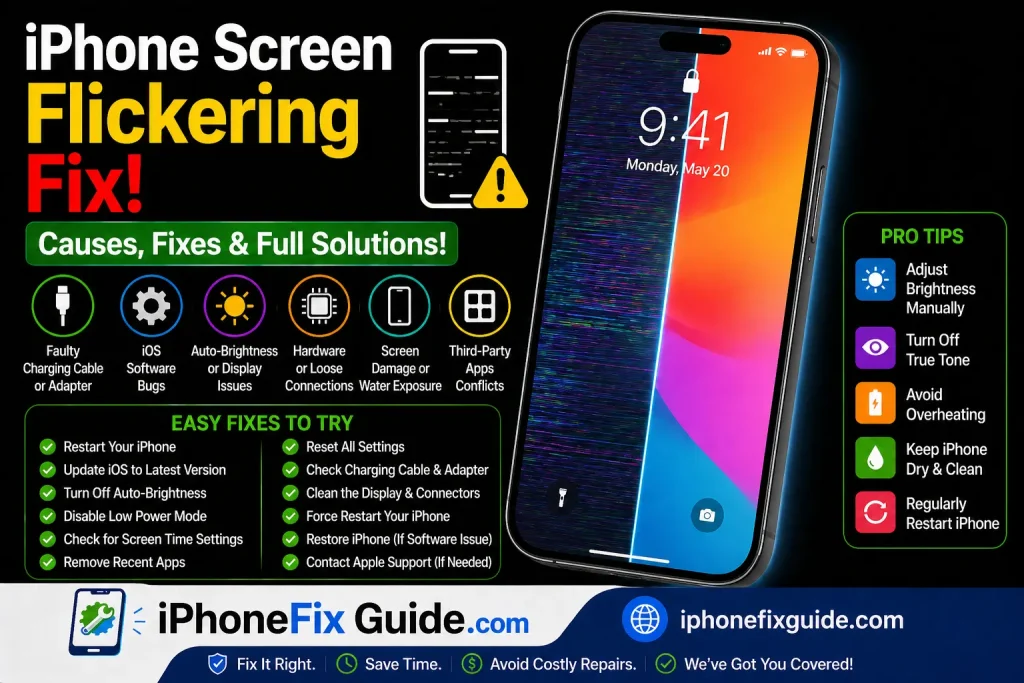
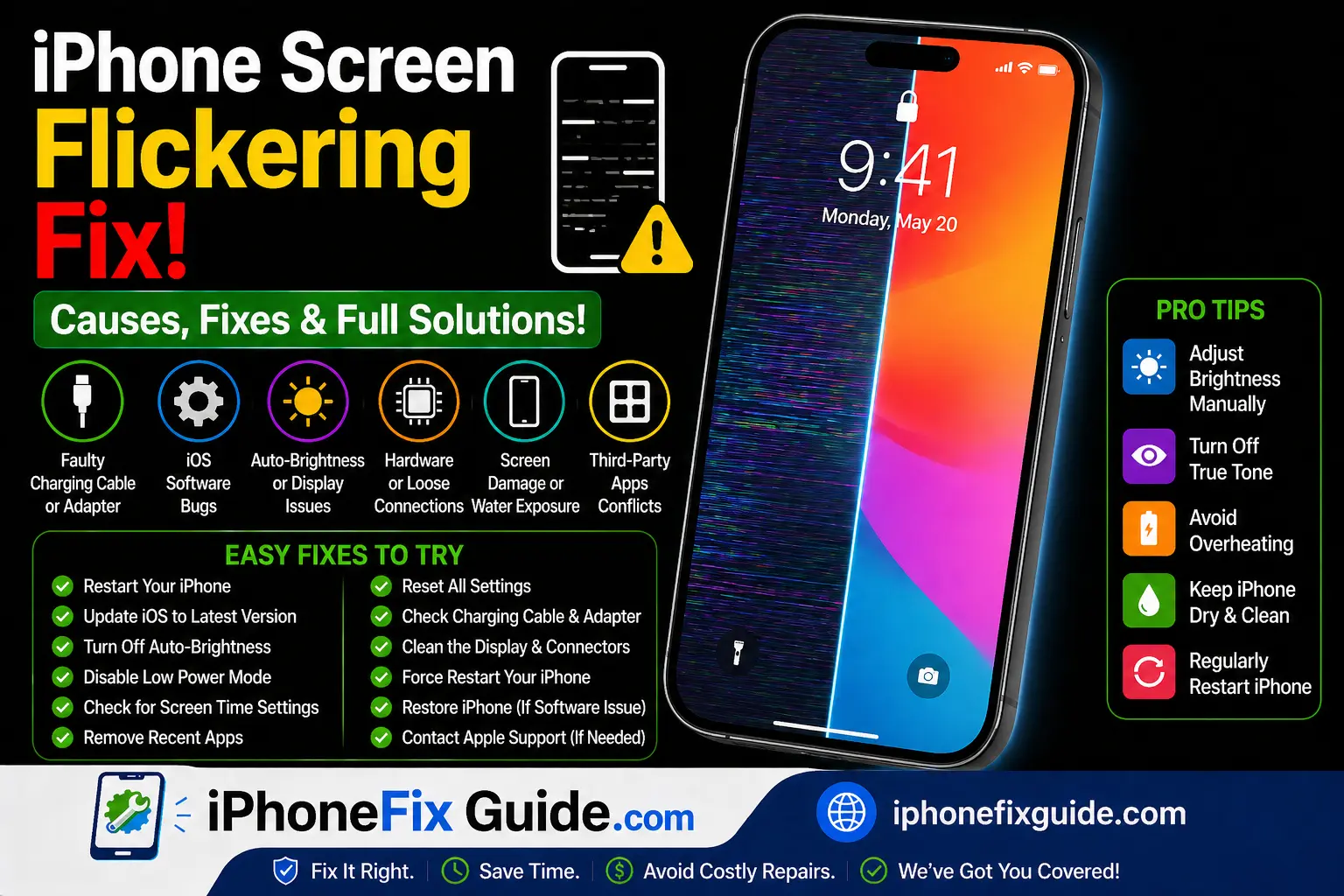
If your iPhone screen is flickering, flashing, or randomly dimming and brightening, it can be frustrating.
Screen flickering is usually caused by:
- Software glitches
- Display setting conflicts
- iOS update bugs
- Low storage
- Physical screen damage
The good news? Many cases are software-related and easy to fix.
Let’s go step by step.
1. Restart Your iPhone
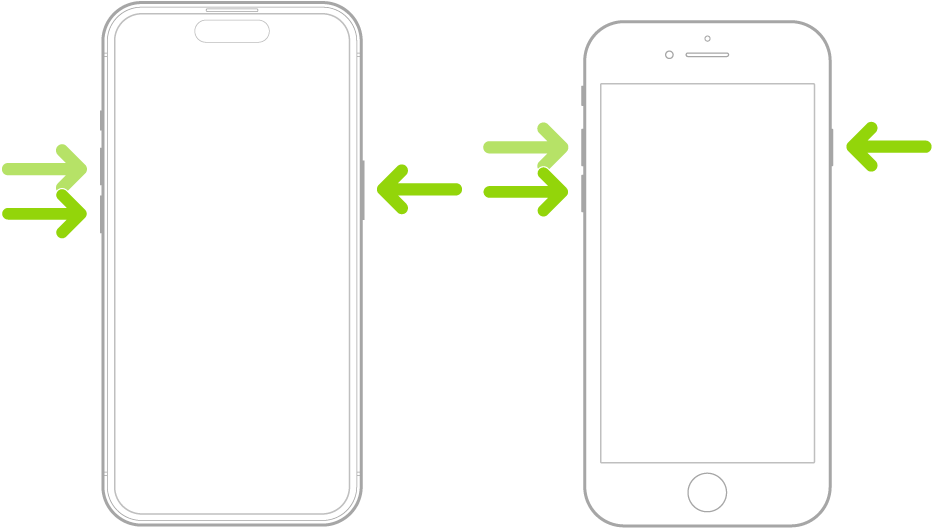 |
| Restart |
A simple restart can fix temporary display bugs.
For iPhone 8 and later:
- Press Volume Up
- Press Volume Down
- Hold Side button
- Release when Apple logo appears
Many flickering issues disappear after rebooting.
2. Turn Off Auto-Brightness
Sometimes the light sensor causes screen brightness to change rapidly.
Go to:
Settings → Accessibility → Display & Text Size
Turn off Auto-Brightness.
Then test if flickering stops.
3. Disable True Tone and Night Shift
 |
| Tone |
Go to:
Settings → Display & Brightness
Turn off:
- True Tone
- Night Shift
These features adjust screen color and brightness automatically, which may look like flickering.
4. Check Storage Space
Low storage can cause system instability.
Go to:
Settings → General → iPhone Storage
If storage is almost full, delete unused apps or large files.
Devices with less than 1GB free space may behave unpredictably.
5. Update iOS
Sometimes screen flickering starts after a buggy update.
Go to:
Settings → General → Software Update
Install the latest stable version if available.
6. Reset All Settings
If flickering continues:
Settings → General → Transfer or Reset iPhone → Reset → Reset All Settings
This will not delete photos or apps but resets display and system settings.
7. Remove Screen Protector
A damaged or low-quality screen protector may interfere with the display.
Remove it and check if flickering improves.
8. Check for Physical Damage
If you recently dropped your phone, hardware damage may be the cause.
Signs include:
- Vertical or horizontal lines
- Screen discoloration
- Flickering only in certain areas
- Touch issues along with flicker
In this case, screen replacement may be required.
When Should You Seek Professional Help?
You should visit a repair technician if:
- Flickering continues after reset
- Screen randomly turns black
- Display only works at certain angles
- Phone was exposed to water
These may indicate internal display or logic board issues.
Frequently Asked Questions
Why does my iPhone screen flicker randomly?
It is usually caused by software bugs or automatic brightness settings.
Can an update fix screen flickering?
Yes, if the issue is software-related.
Is screen flickering a sign of hardware damage?
Sometimes. Especially if the phone was dropped.
Final Thoughts
If your iPhone screen is flickering, start with simple fixes like restarting, disabling auto-brightness, and updating iOS.
Most flickering issues are software-related and temporary.
If the problem continues after troubleshooting, professional repair may be necessary.
iphone screen flickering, iphone display flashing fix, iphone screen glitch fix, ios display problem, iphone screen hardware issue, iphone troubleshooting guide
More
How to Fix iPhone Not Charging
iPhone Battery Draining Fast? Causes and Easy Fixes
iPhone Charging But Not Increasing Battery Percentage? Fix It Fast
iPhone Black Screen But Still On? 7 Easy Fixes That Work
Green Line on iPhone Screen Fix
iPhone No Service After Update
iPhone Battery Draining Overnight
iPhone Storage Full But Nothing to Delete
iPhone Stops Charging at 80 Percent
iPhone Overheating While Charging
iPhone Touch Not Working in Some Areas
iPhone Keeps Searching for Signal
iPhone Charging But Battery Going Down
iPhone Camera Blurry After Update
iPhone Speaker Not Working During Calls
iPhone WiFi Connected But No Internet
Face ID Not Working After Screen Replacement