iPhone Data Not Working But WiFi Works? 10 Easy Fixes
iPhone Data Not Working But WiFi Works? Here’s How to Fix It
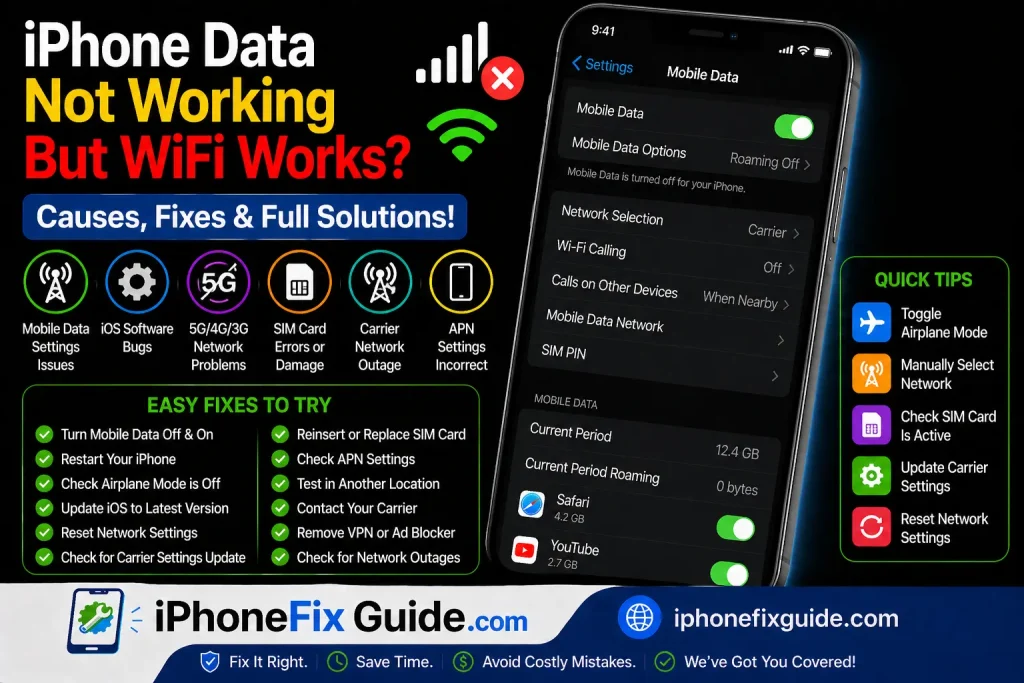
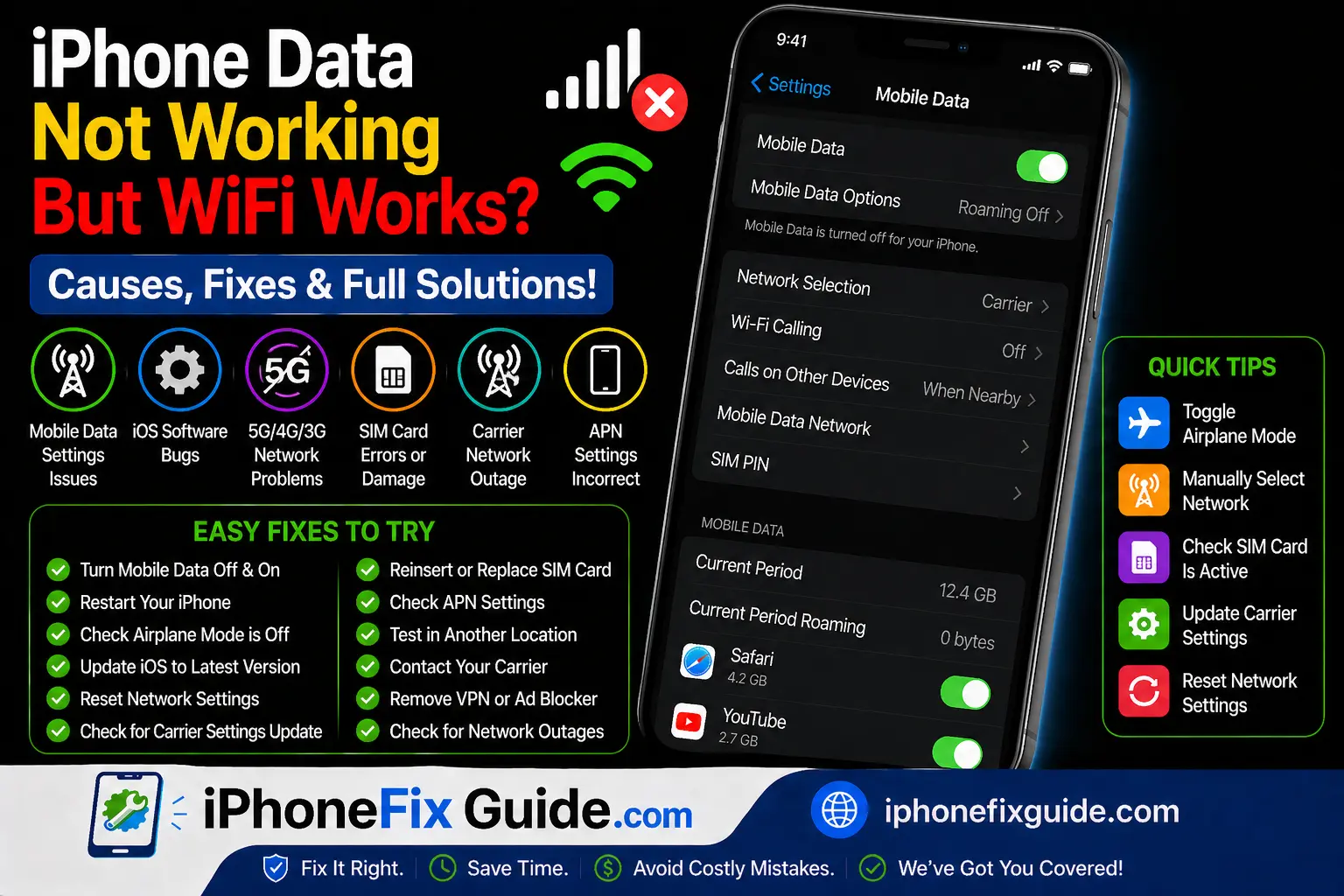
If your iPhone connects to WiFi without problems but mobile data doesn’t work, the issue is usually related to network settings, carrier problems, or software glitches.
You may notice:
- No internet outside WiFi
- Apps not loading on mobile data
- LTE/5G icon showing but no browsing
Let’s fix it step by step.
1. Turn Mobile Data Off and On
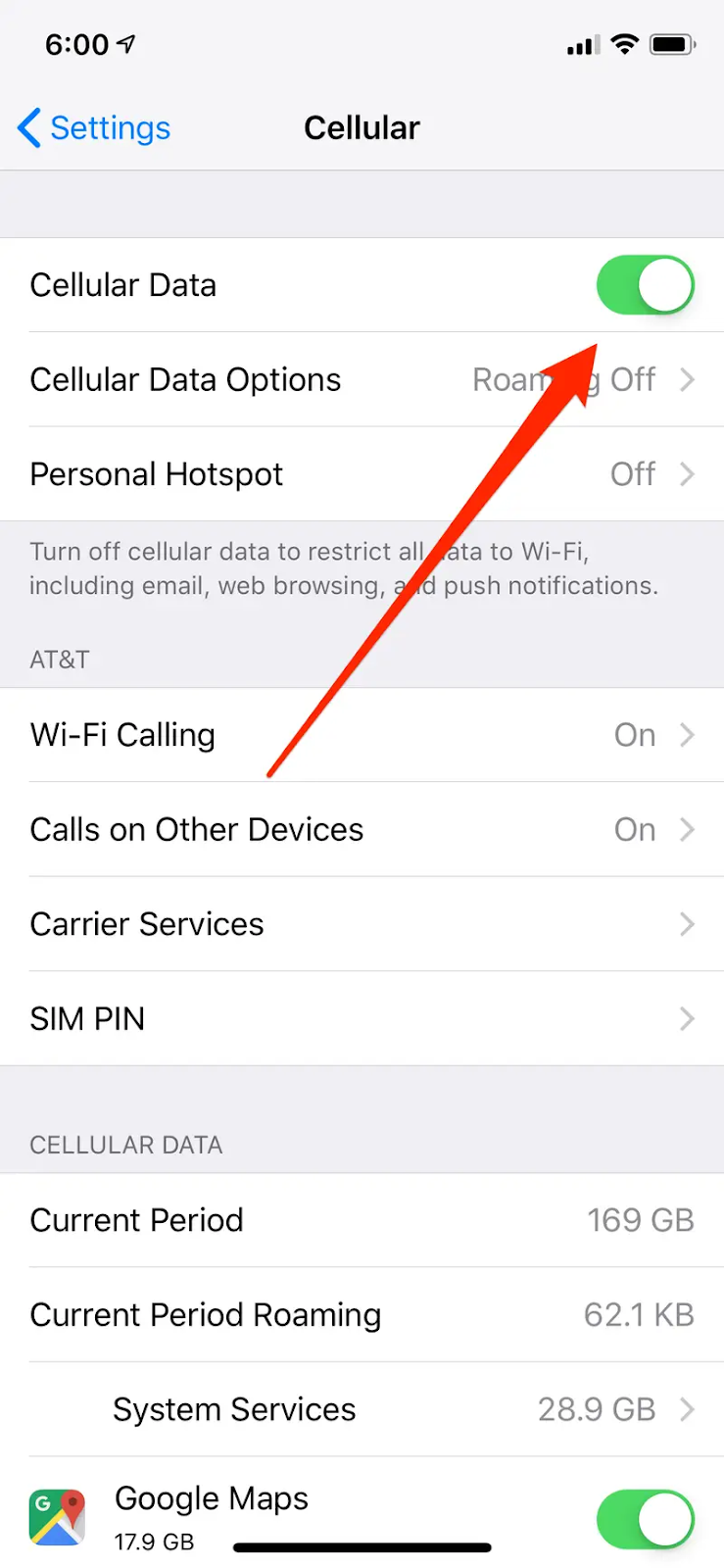
Go to:
Settings → Cellular
Turn off Cellular Data, wait 10 seconds, then turn it back on.
This refreshes your mobile connection.
2. Check If You Have Data Coverage
Make sure:
- You have active data plan
- You’re in a strong signal area
- LTE/5G icon is visible
Try moving to a different location to test signal strength.
3. Restart Your iPhone
A simple restart can clear temporary network glitches.
For iPhone 8 and later:
- Press Volume Up
- Press Volume Down
- Hold Side button
- Release when Apple logo appears
This solves many minor connectivity issues.
4. Check APN Settings
Some carriers require correct APN settings.
Go to:
Settings → Cellular → Cellular Data Network
If the fields are empty or incorrect, contact your carrier for the correct settings.
5. Disable WiFi Assist

Go to:
Settings → Cellular
Scroll down and turn off WiFi Assist.
This prevents your phone from switching automatically between WiFi and mobile data.
6. Reset Network Settings
If data still doesn’t work:
Settings → General → Transfer or Reset iPhone → Reset → Reset Network Settings
⚠️ This will erase:
- WiFi passwords
- Bluetooth connections
- VPN settings
It will NOT delete photos or apps.
7. Check for Carrier Settings Update
Go to:
Settings → General → About
If a carrier update is available, you’ll see a prompt.
Install it and restart your device.
8. Update iOS

Software bugs sometimes affect mobile data.
Go to:
Settings → General → Software Update
Install the latest stable version if available.
9. Remove and Reinsert SIM Card
Turn off your phone, remove the SIM card, and reinsert it carefully.
This can fix SIM detection issues.
10. Contact Your Carrier
If:
- Data plan expired
- SIM card damaged
- Network outage in your area
Your carrier can confirm and resolve the issue.
Frequently Asked Questions
Why does LTE show but no internet works?
There may be APN issues or network configuration problems.
Will resetting network settings delete my files?
No. It only resets network-related data.
Can a damaged SIM card cause this?
Yes. A faulty SIM can block mobile data.
Final Thoughts
If your iPhone data is not working but WiFi works fine, the issue is usually related to network configuration or carrier settings.
Start with simple fixes like toggling mobile data, restarting, and resetting network settings.
Most users can solve this issue without visiting a repair center.
iphone data not working, iphone mobile data problem, iphone cellular data not working fix, ios network issue, iphone internet problem, iphone troubleshooting guide
More
How to Fix iPhone Not Charging
iPhone Battery Draining Fast? Causes and Easy Fixes
iPhone Charging But Not Increasing Battery Percentage? Fix It Fast
iPhone Black Screen But Still On? 7 Easy Fixes That Work
Green Line on iPhone Screen Fix
iPhone No Service After Update
iPhone Battery Draining Overnight
iPhone Storage Full But Nothing to Delete
iPhone Stops Charging at 80 Percent
iPhone Overheating While Charging
iPhone Touch Not Working in Some Areas
iPhone Keeps Searching for Signal
iPhone Charging But Battery Going Down
iPhone Camera Blurry After Update
iPhone Speaker Not Working During Calls
iPhone WiFi Connected But No Internet
Face ID Not Working After Screen Replacement